Just point and shoot. That's all. Easy! OK, compose a little. Yeah, get your lighting right. OK, focus and depth of field, too. Shoot from different angles. Film or digital? Zoom or wide angle? Could it be better if I shade the lens, or maybe bounce my flash? What about a filter? Colour or black and white? Aaaargh, let's fix it all in Photoshop instead! (I'm really not that lazy.)
You'll find lots of images if you poke around on those sites - some are scanned from negatives or prints, or photographed digitally - and some will be 'Photoshopped to death'. I offer no apologies for this, it's merely an extension of the weird and wonderful world of darkroom developing and printing that I entered a long, long time ago!
I don't know about you but I mostly learn software by trying it. The best tactic of all, I find, is to set myself a mission and attempt to figure out how to do it by any means possible. Mostly that means trying lots of things and occasionally - in desperation only - reading help files or web sites that I stumble over.
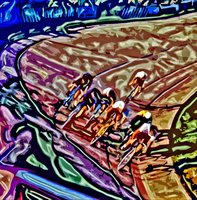
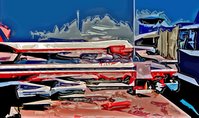
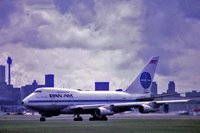
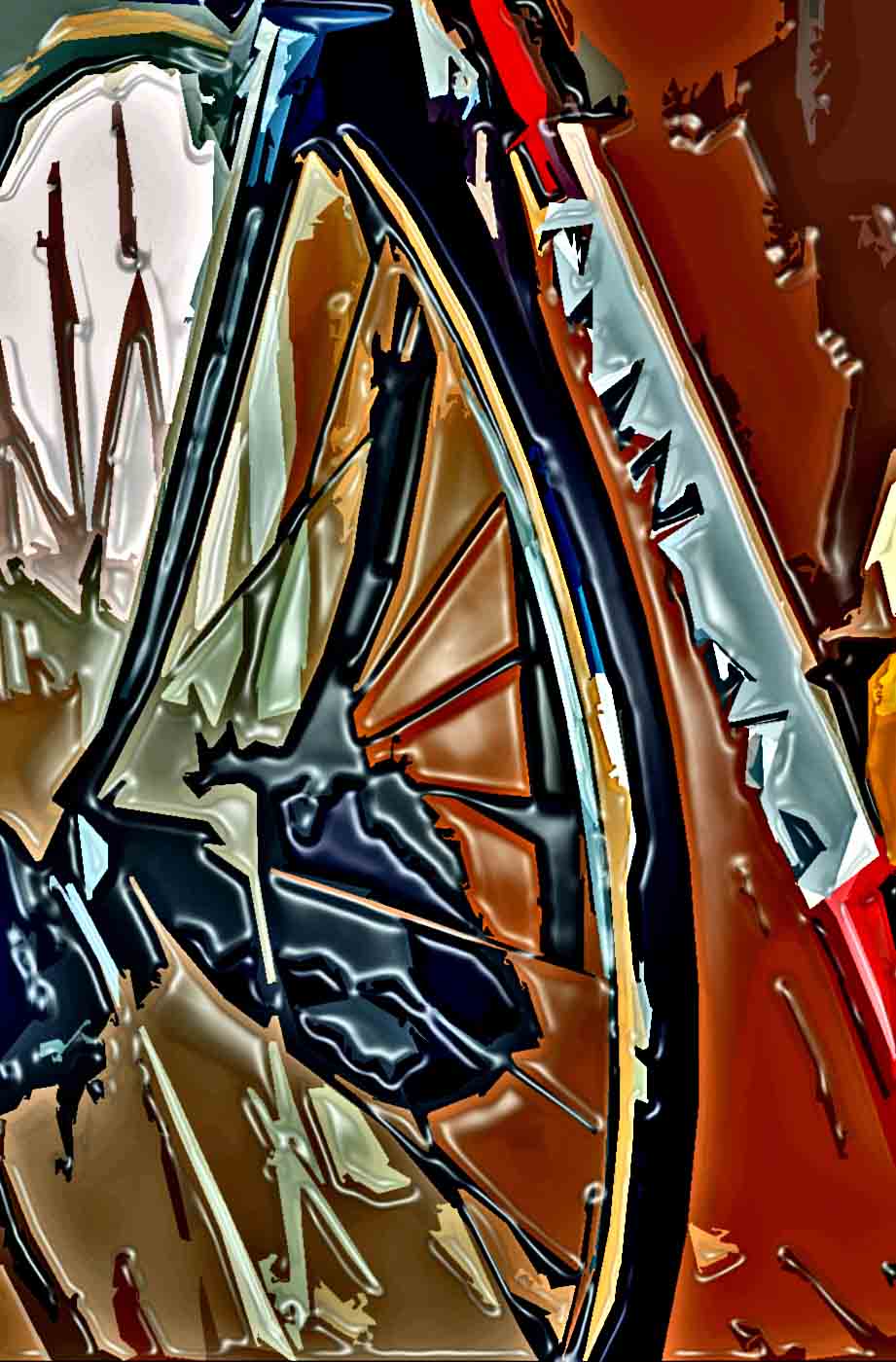
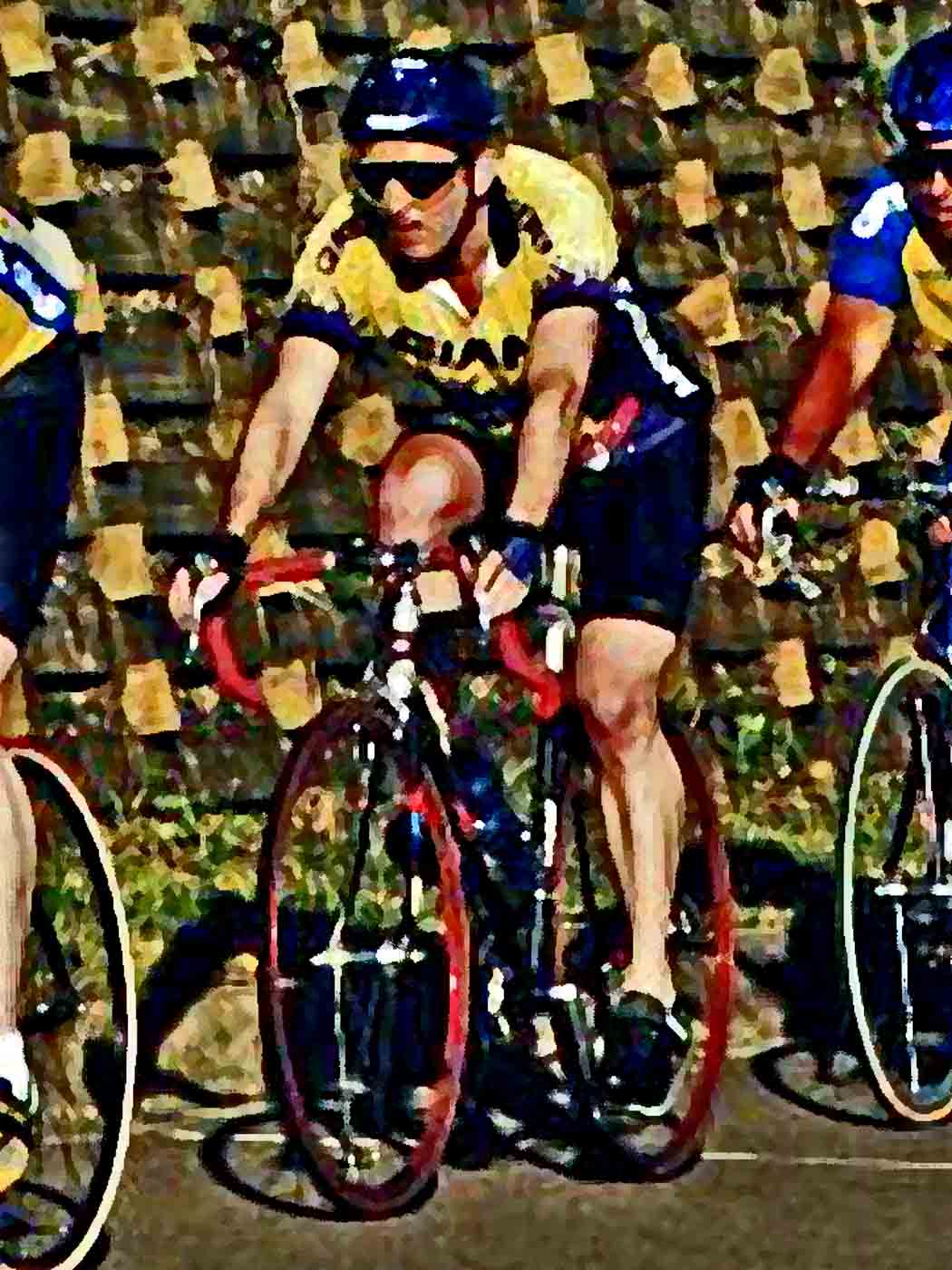
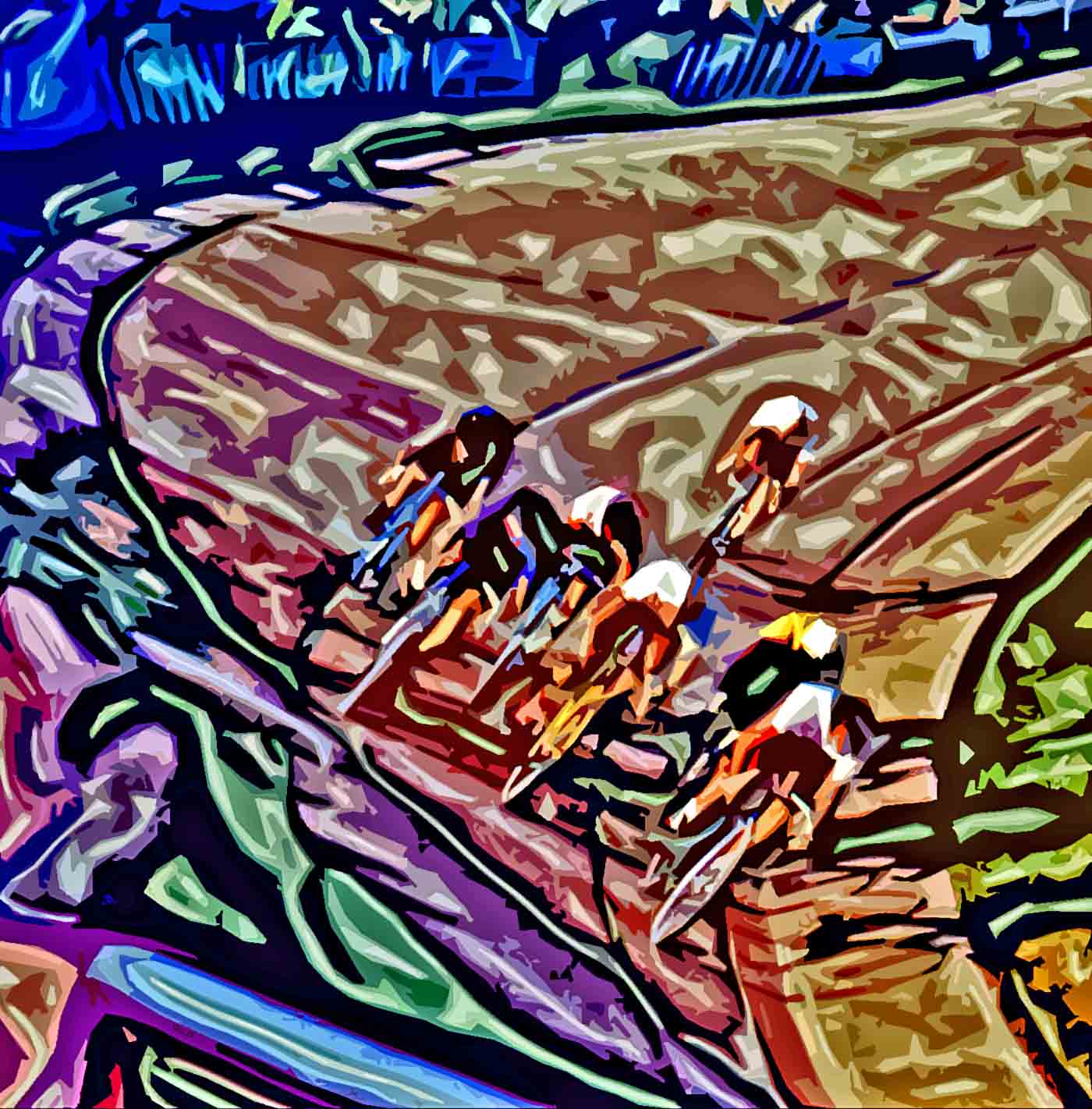
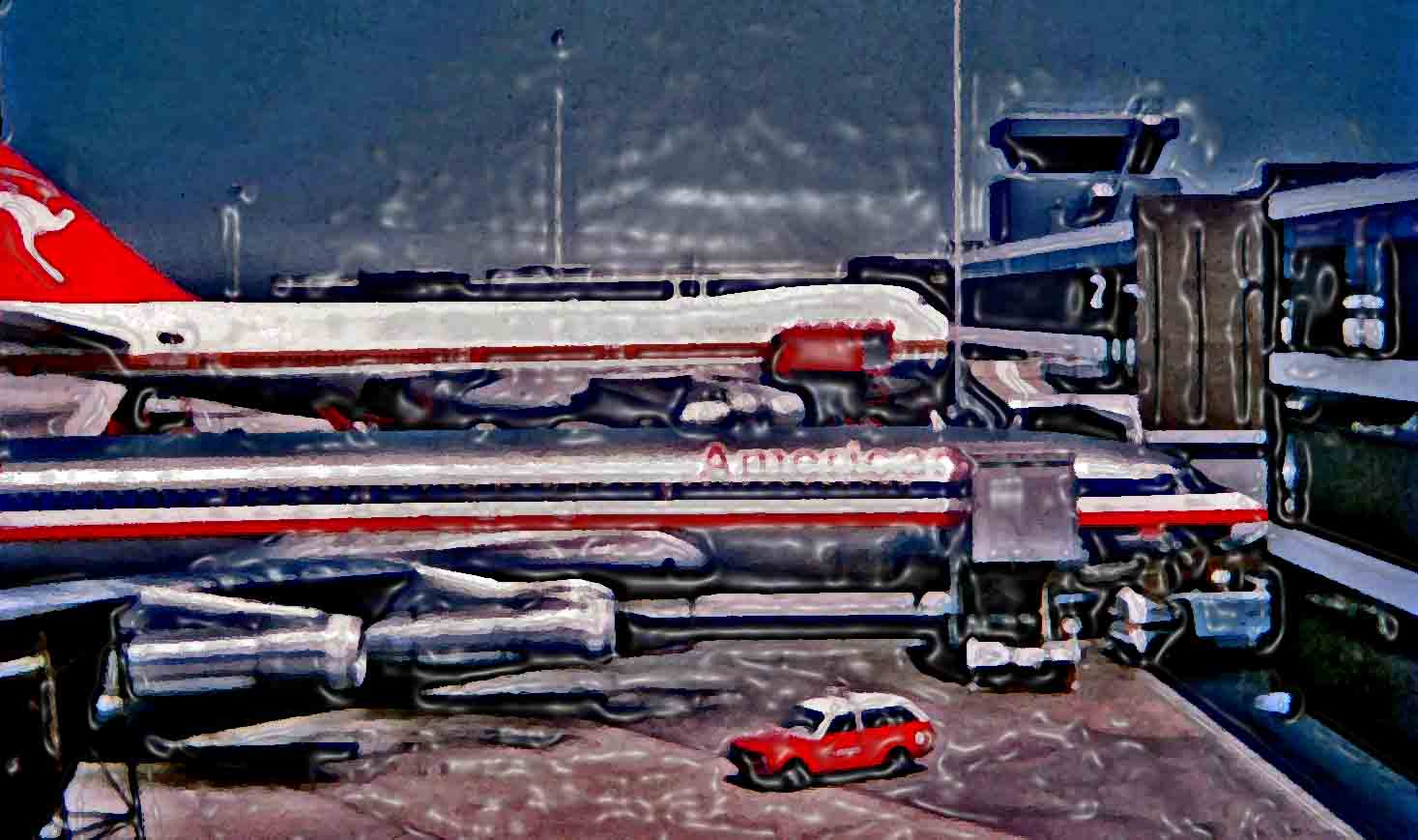
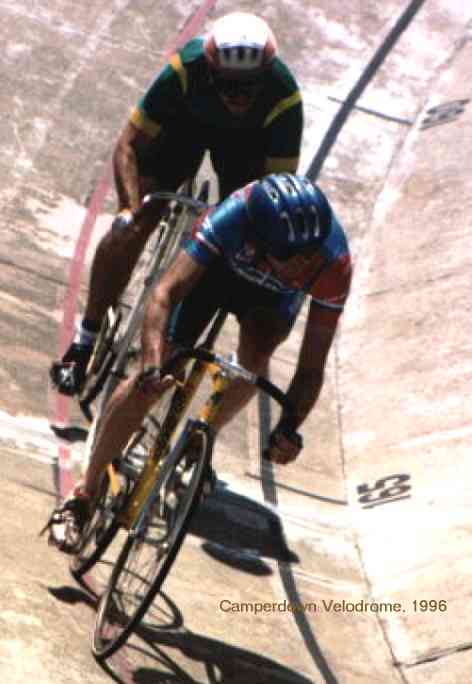
These bicycle pics illustrate that taking a fairly ordinary item and choosing to frame it just so and then to crop and alter it for impact can result in some interesting images. These were all 35mm film shots, mostly from the 1980s, using a Pentax K2 SLR and Ektachrome. This gallery also takes some mundane but interesting (to me, anyway) pics from the 1970s and Photoshops them to death, until they are almost unrecognizable. (You could use any similar program, such as the GIMP, of course.)Well I like 'em anyway. They demonstrate the use of filters, mostly, and give you a hint of how trial and error can take you places.
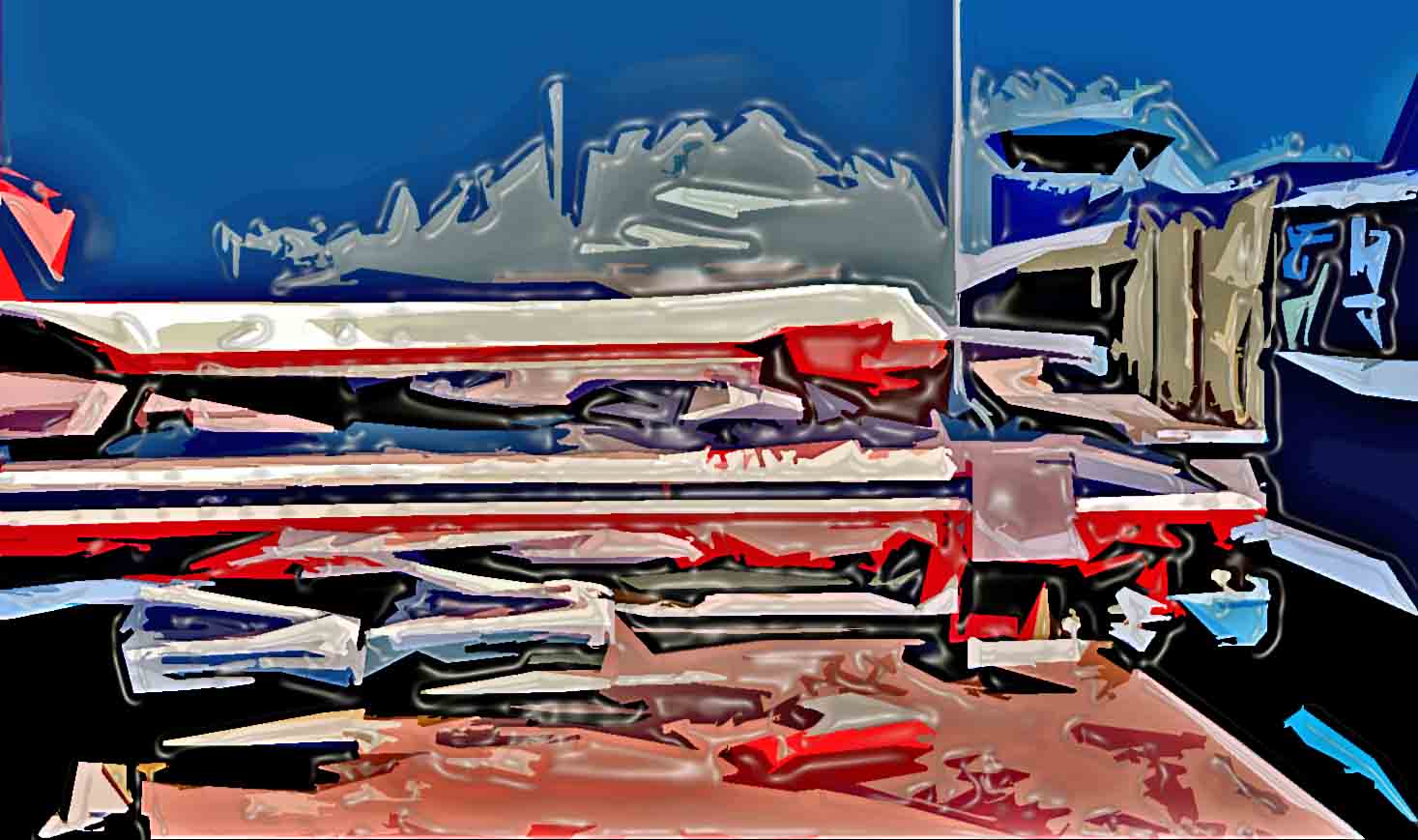
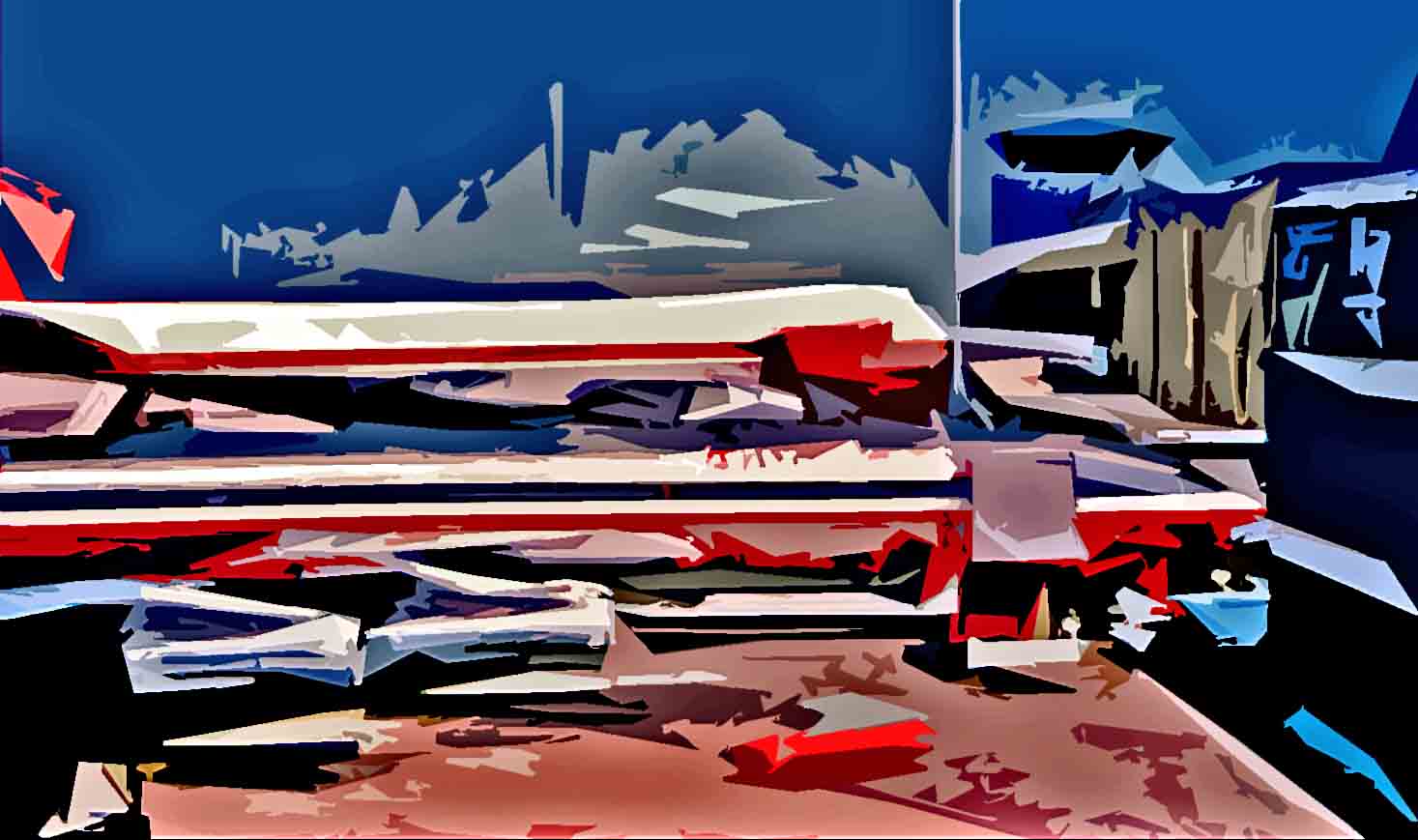
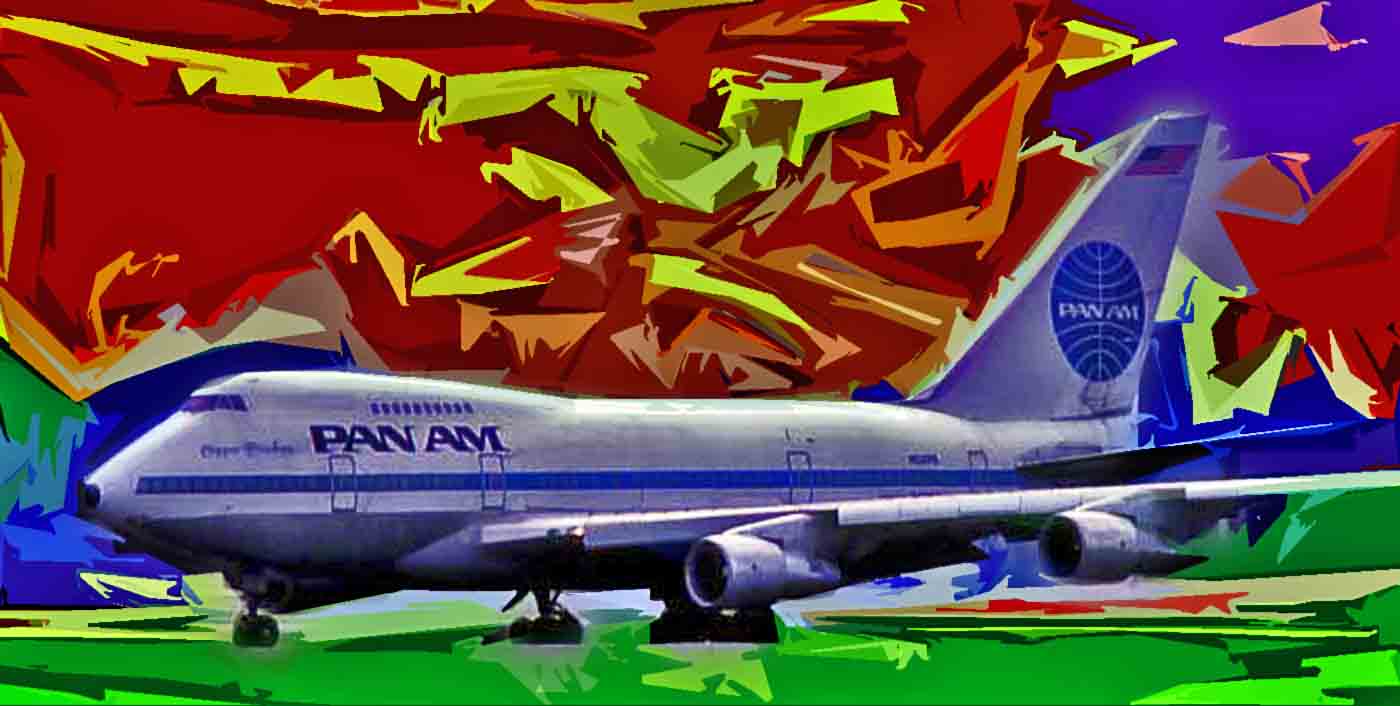
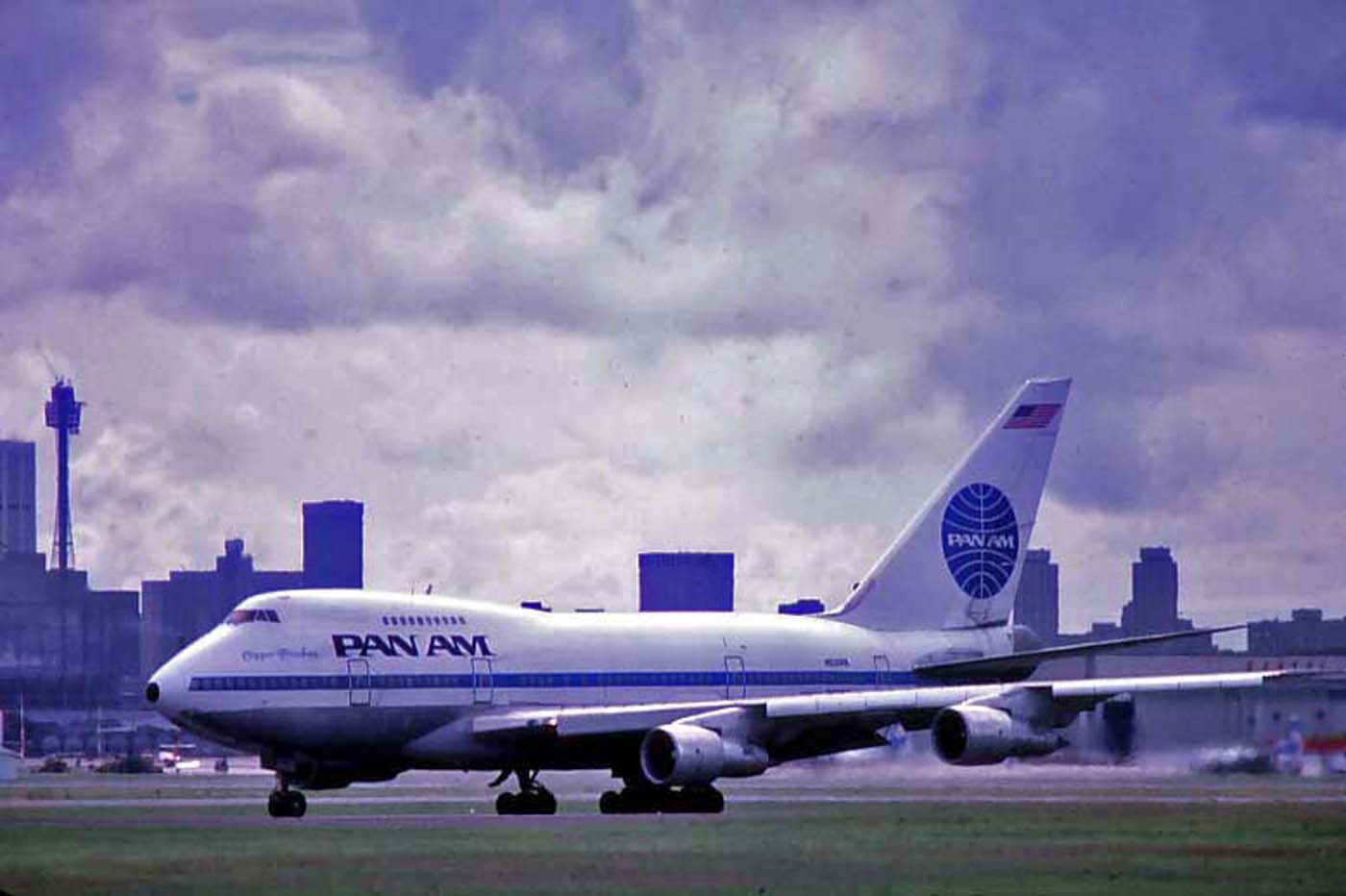
For example I go from here... to here... and end up... there. I've adjusted contrast and brightness, used a few fave filters like dry brush, cutout and plastic wrap and bingo!
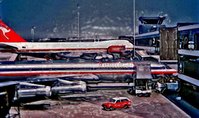
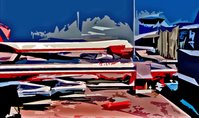
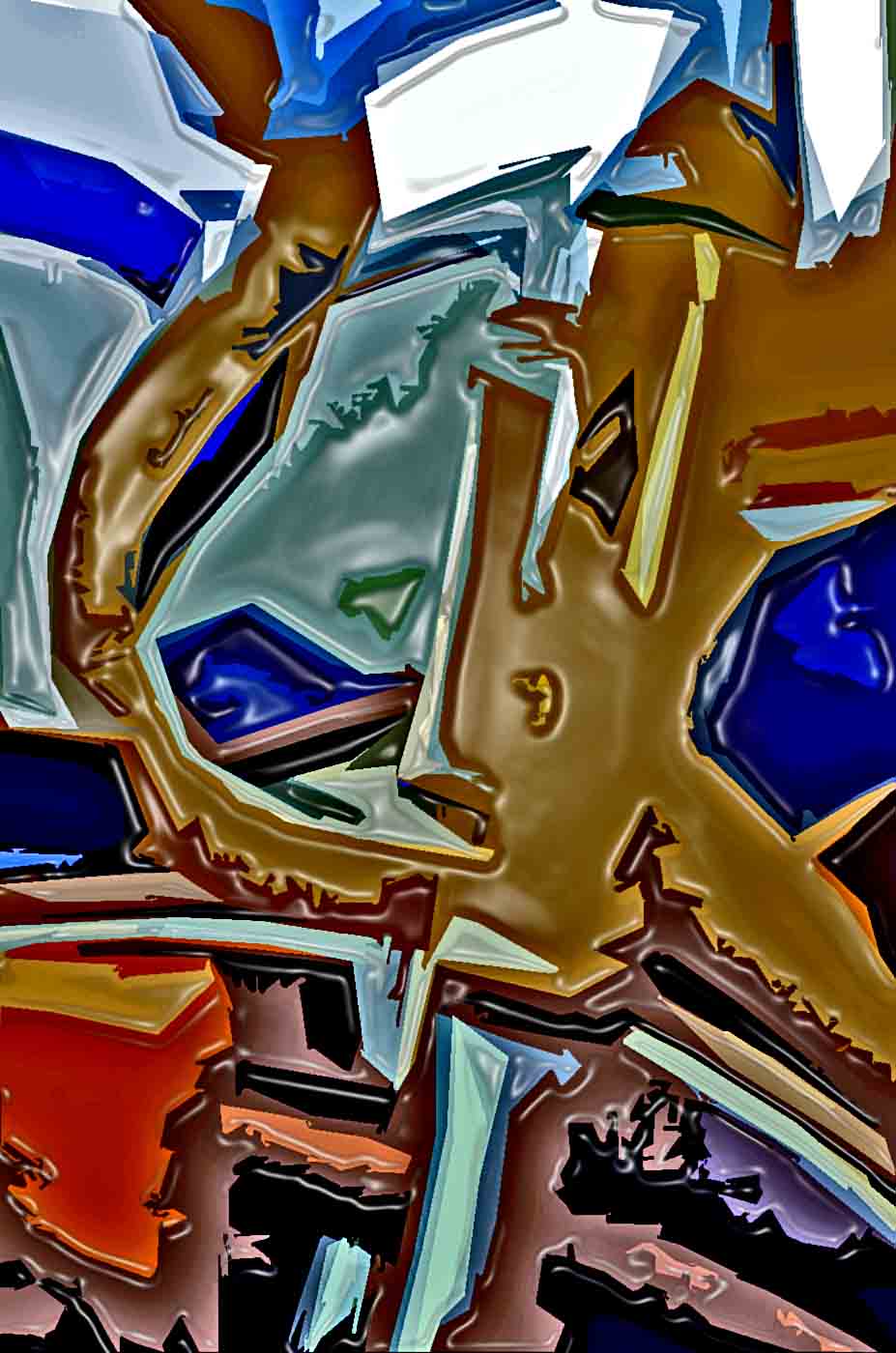
And I go from here to there! And so on. It's infinite, really. I end up with a few new skills, some ideas and a new batch of images I didn't have before. Some of them will get reused in various ways, and the insight I gained in making them will be used again on other images. And I had fun as well.
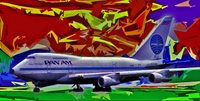
And when I have fun there's no stopping me. There are many more examples of what can happen when you go crazy with filters, layers and contrast... and someof them are absolute rubbish. But gee I've learned something, anyway ;-)
Photoshop, or its open source alternative the GIMP, is a wonderful thing to play with... filters, brushes, layers, cropping, burn-in and so on - and on. It sure saves a lot of darkroom time, or so you would think. I do find myself just tinkering so much more and going a lot further to get exactly what I want. And finding that I want 30 versions of one image. Oh well.
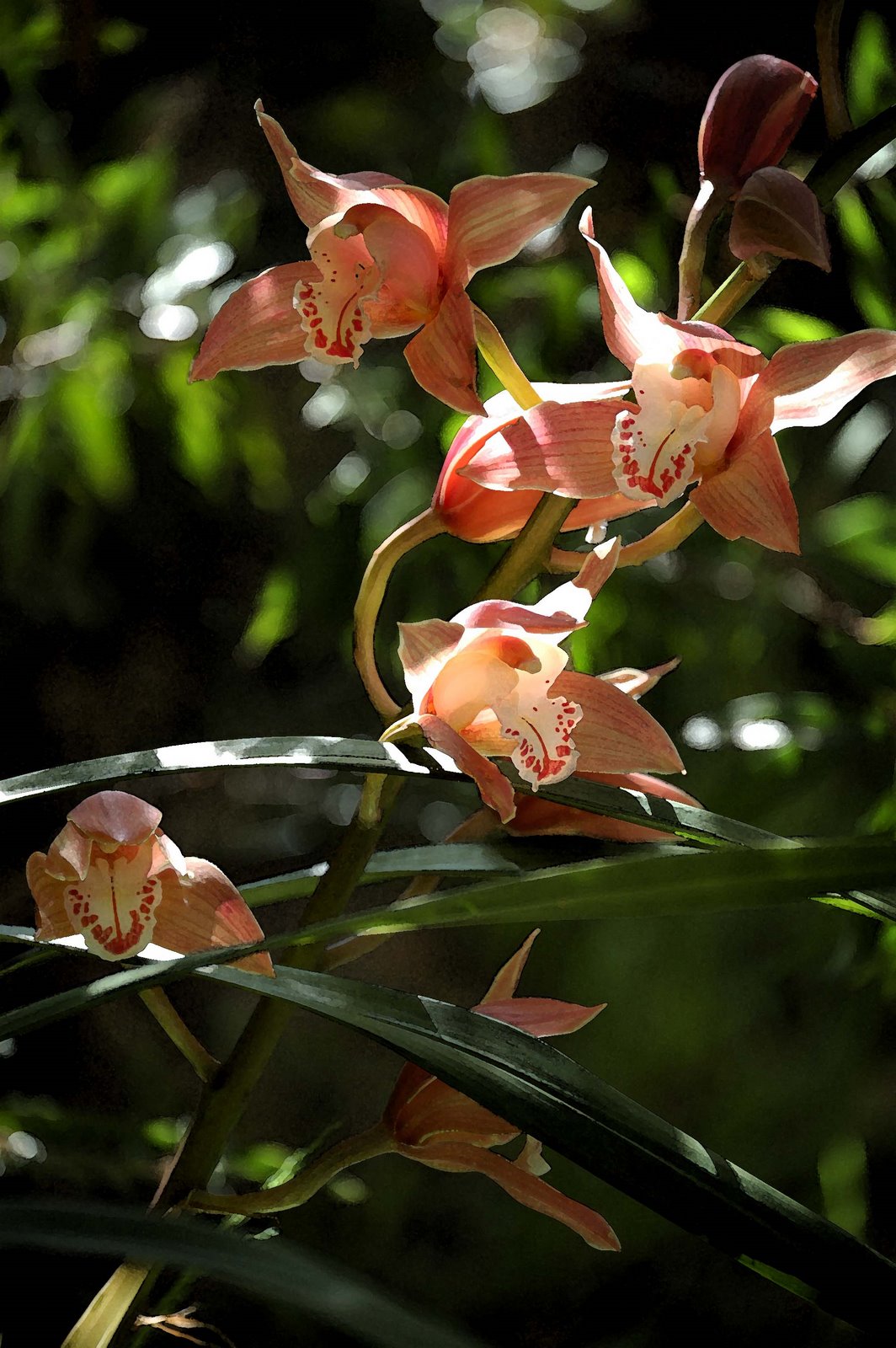
Here are some more images for you to ponder... firstly, one from Brett Lyons (a scanned 35mm shot) from the route of the 2006 Tour de France. It's a good landscape shot, with the mountain looming and the road leading you... and your eyes... from the foreground to the background. It's deceptively plain but draws you in. I like it. Second, some colour from my garden (using the Nikon D50 and demonstrating how some out-of-focus foreground can lift the subject out of the background ) and lastly a tiny sunflower that stands out nicely from the darker background.
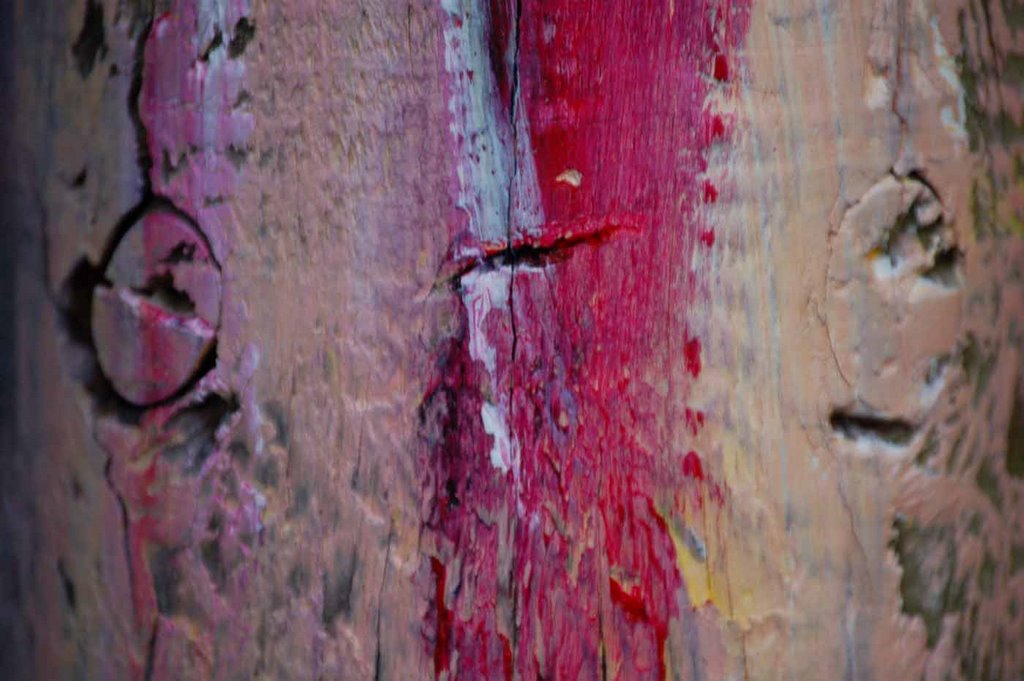
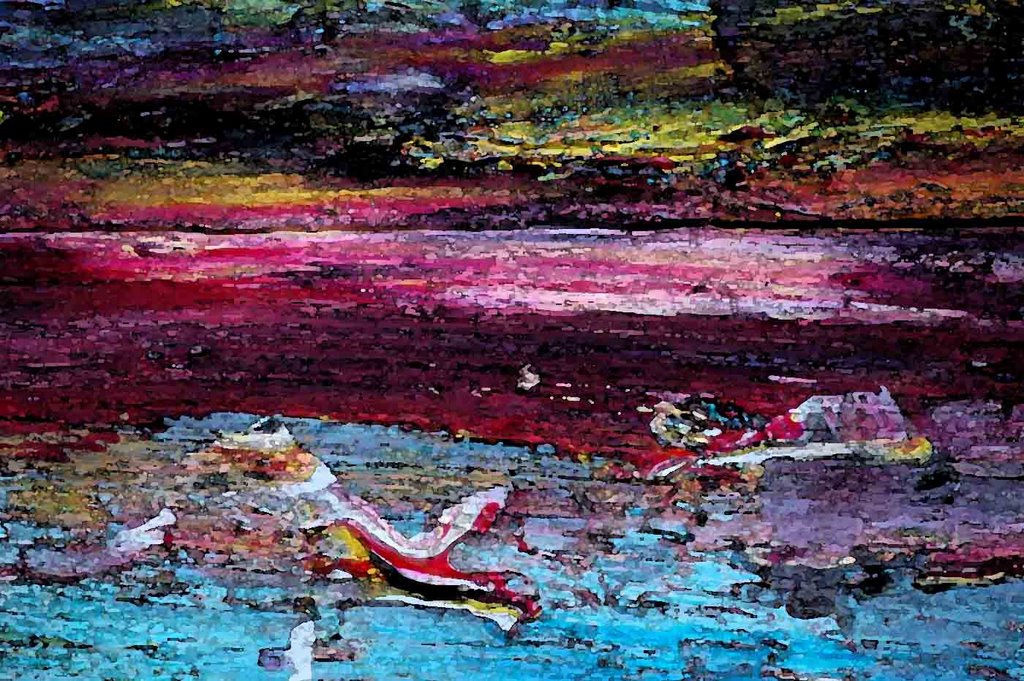
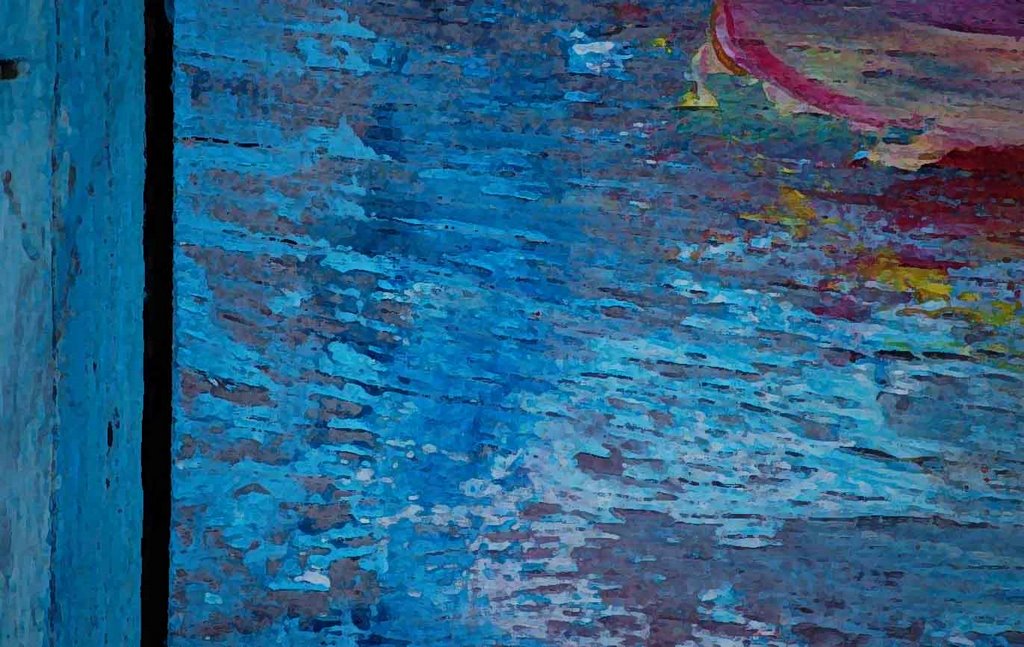
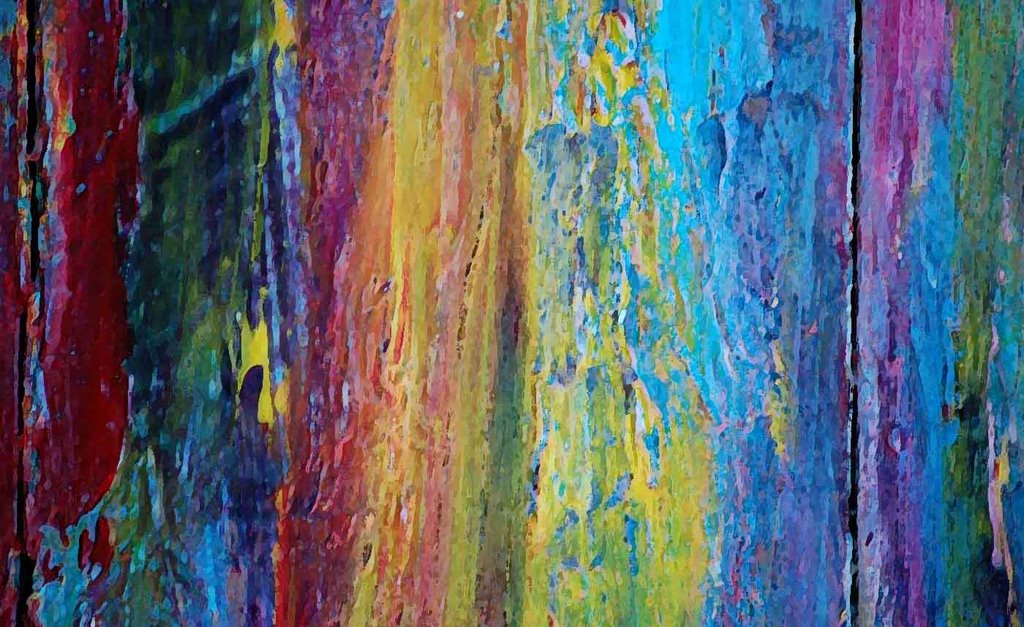
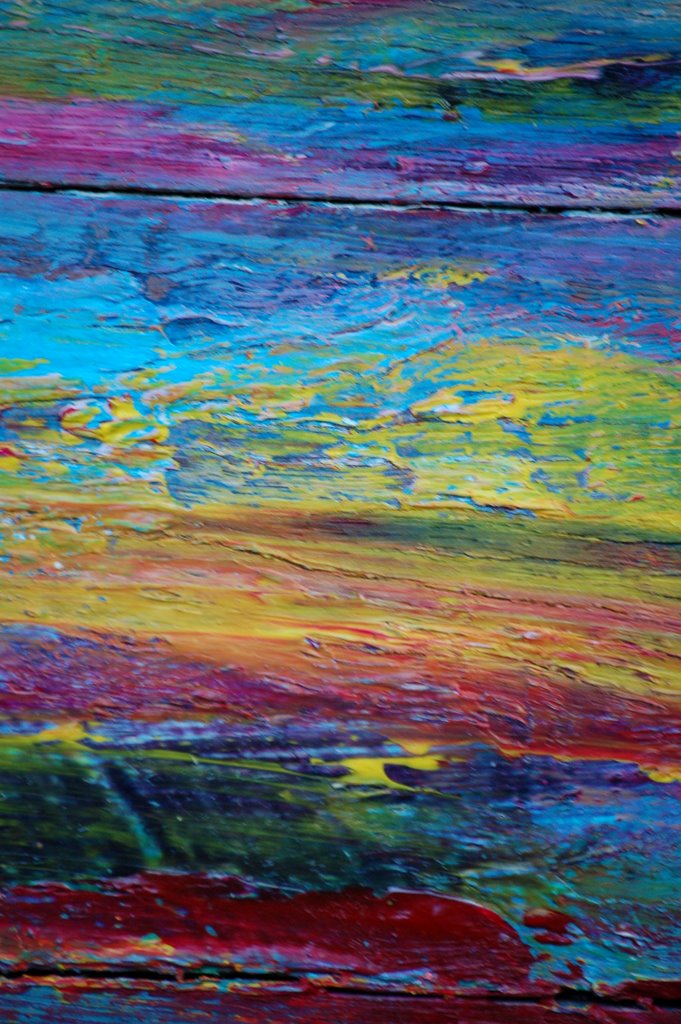
OK, I like photography. It gives me the same artistic kick as painting or drawing except it's so much quicker. I know, I know, it's like fast-food art. We tend to value painting and drawing so much more because it's a labour of love, but we should not forget that a good photo can also consume time and effort - not just in composition but either in the old-fashioned darkroom or the new fangled digital 'darkroom'. So here are some of my latest efforts... some of these are actually acrylic paint on wood, photographed with the Nikon and then manipulated in Photoshop. Well I like 'em anyway!
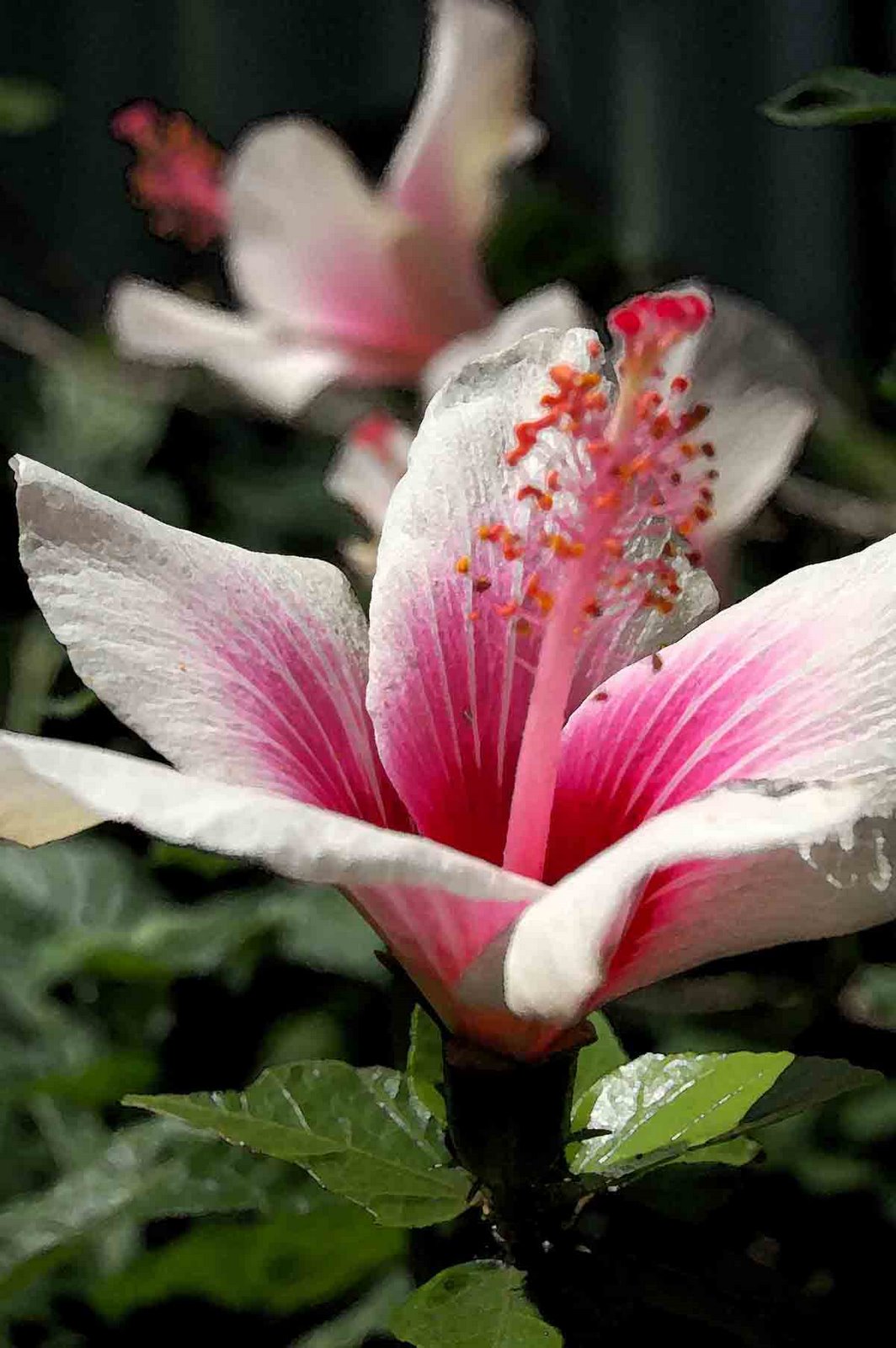
Can't resist posting a few more pics... all on the Nikon D50.... like this Nephila orb weaver hanging around in our garden... or this exciting shot of a broken seatpost (yes there's a story there!)... and this hibiscus flower.
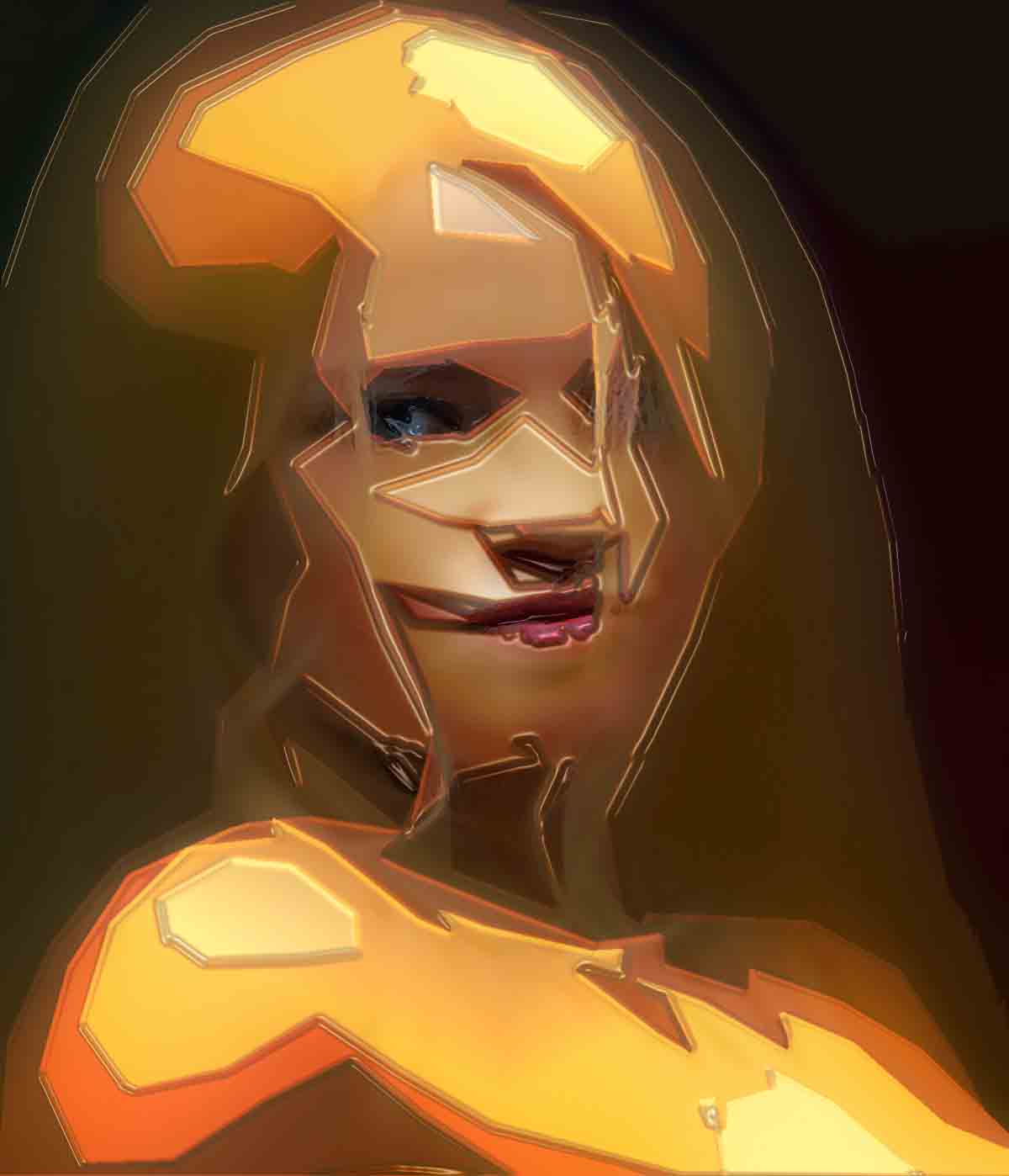
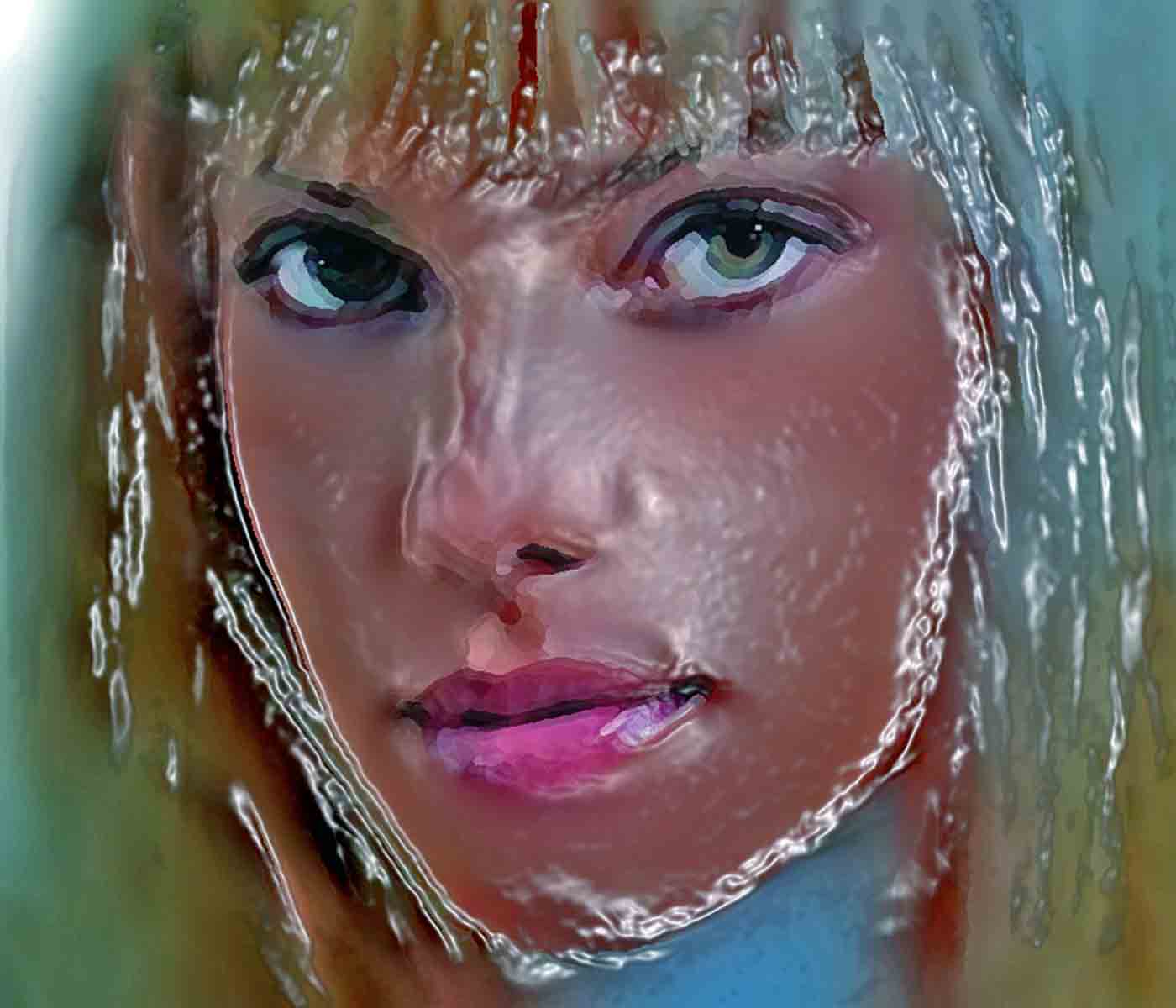
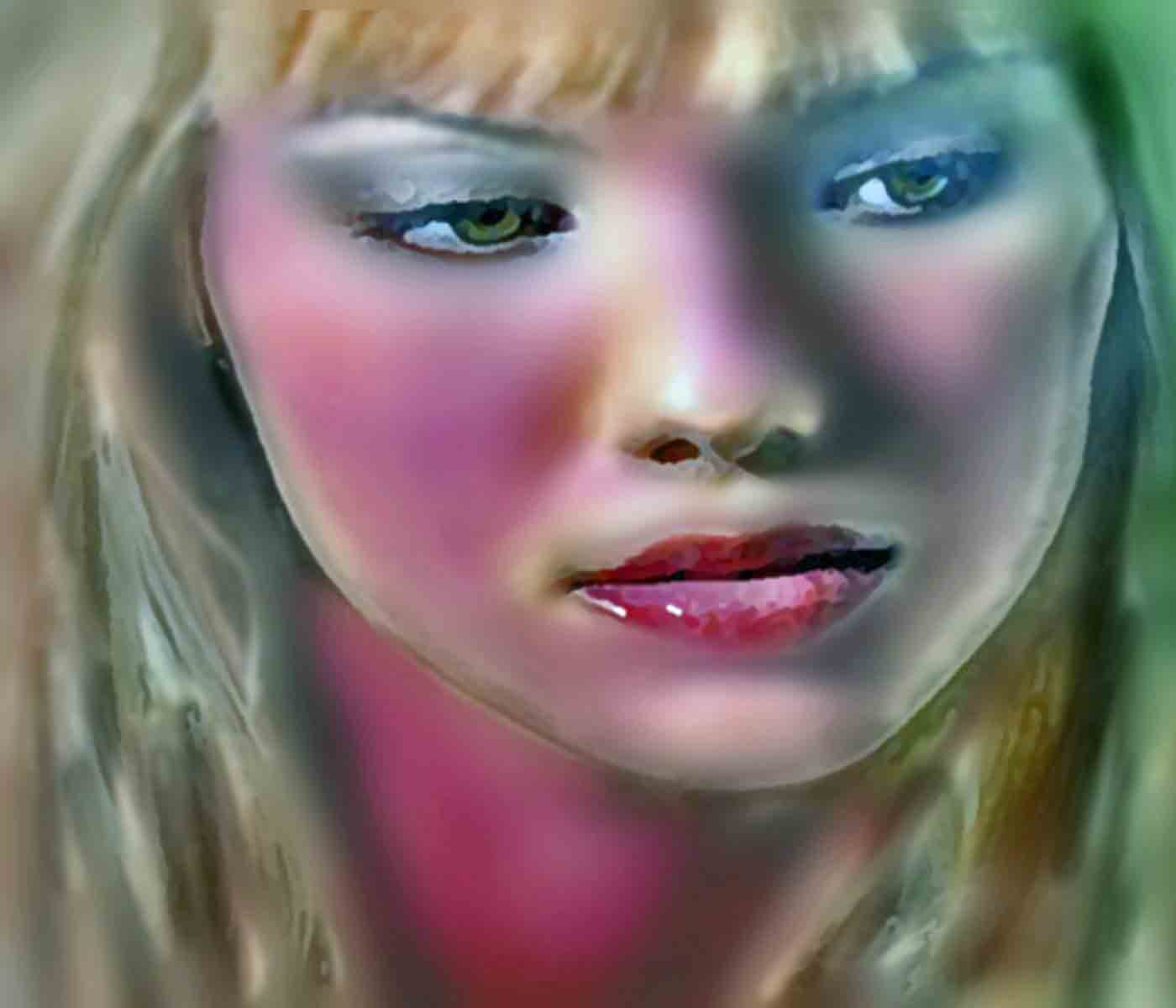
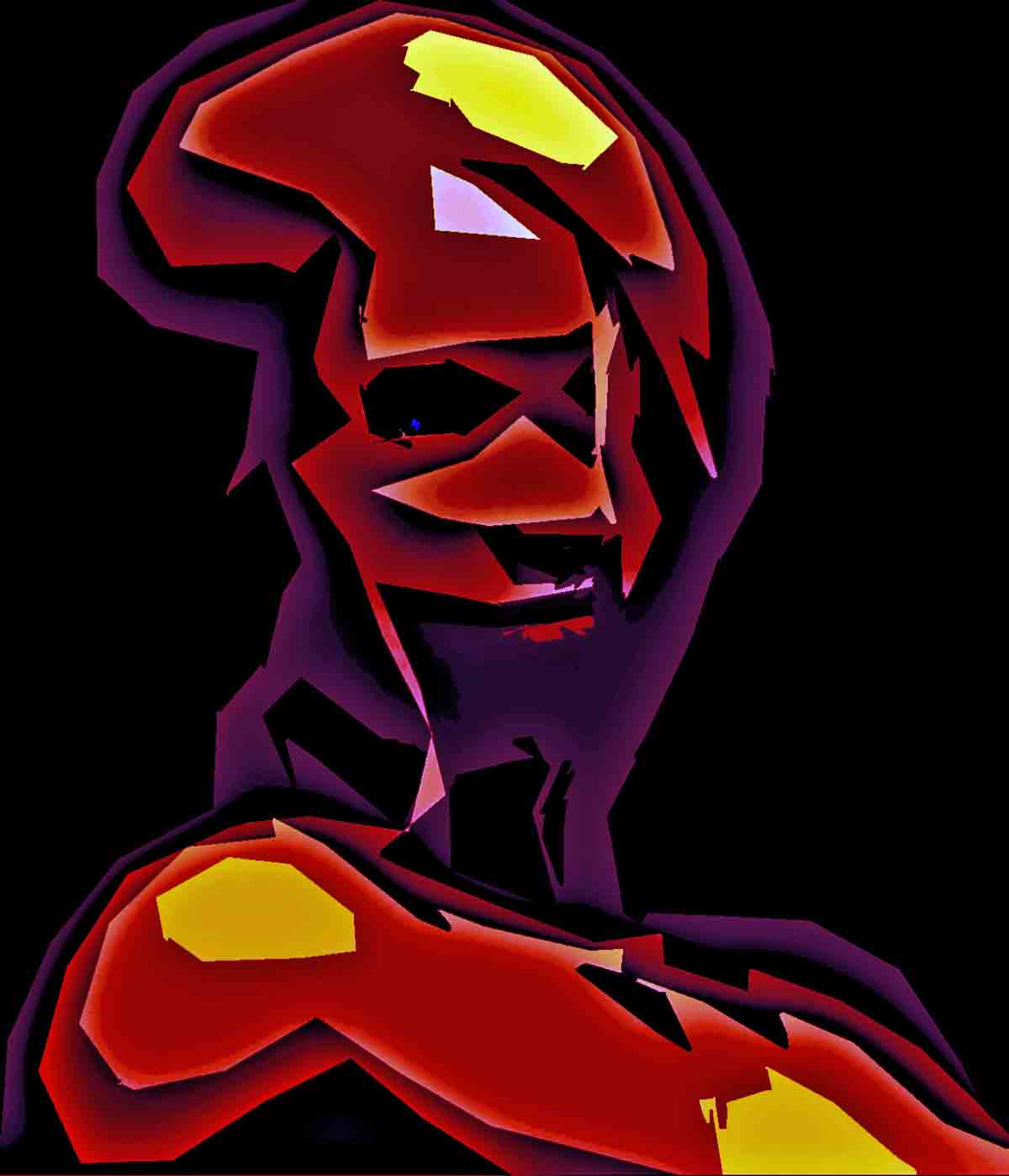
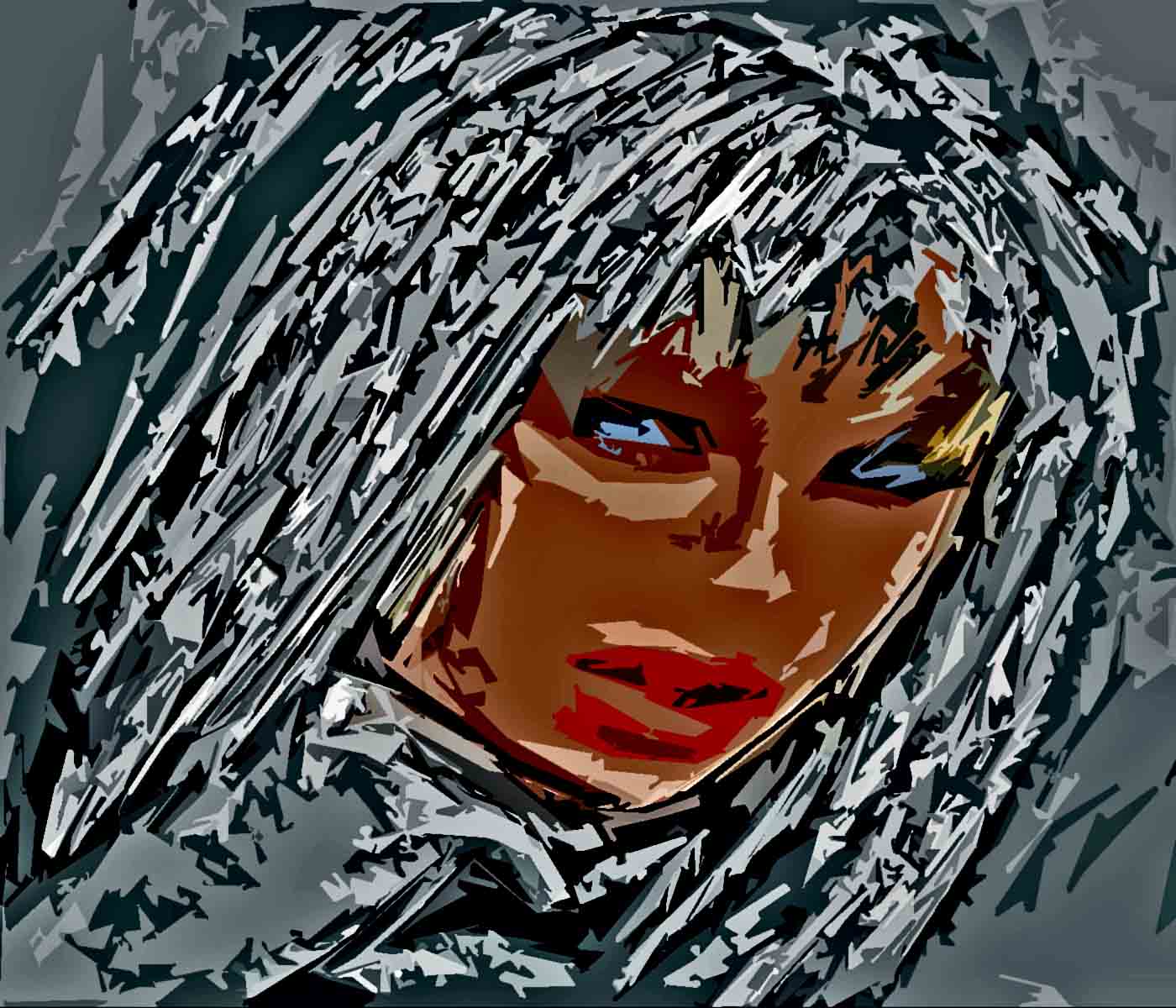
In a moment of weakness I altered some images... like these... using Photoshop. Basically using the artistic filters to blur, resize, change aspect ratios and then alter the texture and colour with brushes and effects. Using the brushes effectively - to digitally repaint the picture takes time (I use a mouse, not a tablet or anything fancy). It can get bizarre, layering effect upon filter... but it can also result in interesting new images.
Not sure exactly what this is, but it's certainly a gallery of art. Images, both photographic and painted, scanned and manipulated in Photoshop to be somewhat different from reality. I like the fact that digital imaging tools can do in seconds what used to take hours in the darkroom. Yes, I've succumbed to the "instant gratification" school.
A small warning, as some images may offend. It's also a bit arty-farty and should be taken in small doses.
Right Brain (40%) The right hemisphere is the visual, figurative, artistic, and intuitive side of the brain. Left Brain (70%) The left hemisphere is the logical, articulate, assertive, and practical side of the brain
INTJ - "Mastermind". Introverted intellectual with a preference for finding certainty. A builder of systems and the applier of theoretical models. 2.1% of total population.
These posts represent my opinions only and may have little or no association with the facts as you see them. Look elsewhere, think, make up your own minds. If I quote someone else I attribute.
If I recommend a web site it's because I use it myself. If an advert appears
it's because I affiliate with Google and others similar in nature and usually means nothing more than that...
the Internet is a wild and untamed place folks, so please tread warily.
My opinions are just that and do not constitute advice or legal opinion
of any sort.
All original material is copyright 2008 by myself, too, in accord with the Creative Commons licence (see below).